
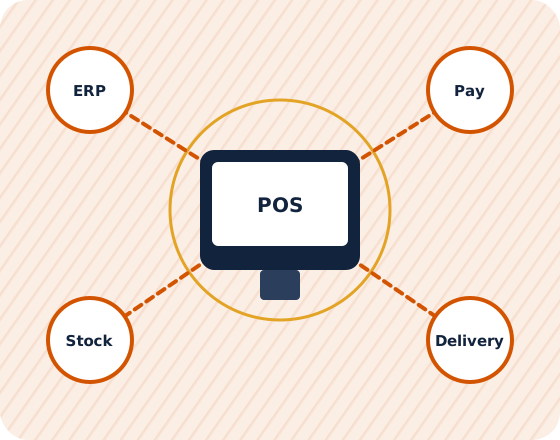
POS integration with ERP, payments and delivery apps
Sales should flow from the counter to stock, accounts and reports without anyone typing them twice.
Problems I'm usually called in to solve
Double entry every day
Daily sales are re-keyed into accounting or ERP by hand.
Card totals never match
Payment terminal settlements don't reconcile with POS sales.
Aggregator orders typed in
Delivery app orders are entered manually, with errors at rush hour.
Silent sync failures
An integration stops and nobody notices until month-end.
Benefits of consulting with me
Sales posted automatically
Daily summaries or individual invoices flow into ERP or accounting.
Integrated payments
Terminals linked to the POS so amounts and tenders match.
Delivery orders in the POS
Aggregator orders arrive directly in the POS and kitchen.
Monitoring and alerts
Failed syncs flagged the same day, with a clear fix procedure.
Questions clients ask
Should POS send every invoice to the ERP or a daily summary?
It depends on reporting and audit needs. Summaries keep ERP lean; invoice-level detail supports customer accounts and deeper analysis. I help you choose per data type.
Can you integrate a POS and ERP from different vendors?
Usually, if either side has an API or import facility. I write the mapping and coordinate both vendors through testing.
Related guides

Written by Manoj Varghese, IT consultant in Riyadh with 20+ years in ERP, POS and business software projects across Saudi Arabia and the GCC.
Discuss your IT or software requirement
Tell me about your project. I'll suggest a practical first step.